u/Logansfury

Integrated bash, .css, and cursor theme for new cursor image category, workspace specific!!!

HOLY FREAKING CRAP I DID IT I DID IT I DID IT!!! (with googleAI/ChatGPT)

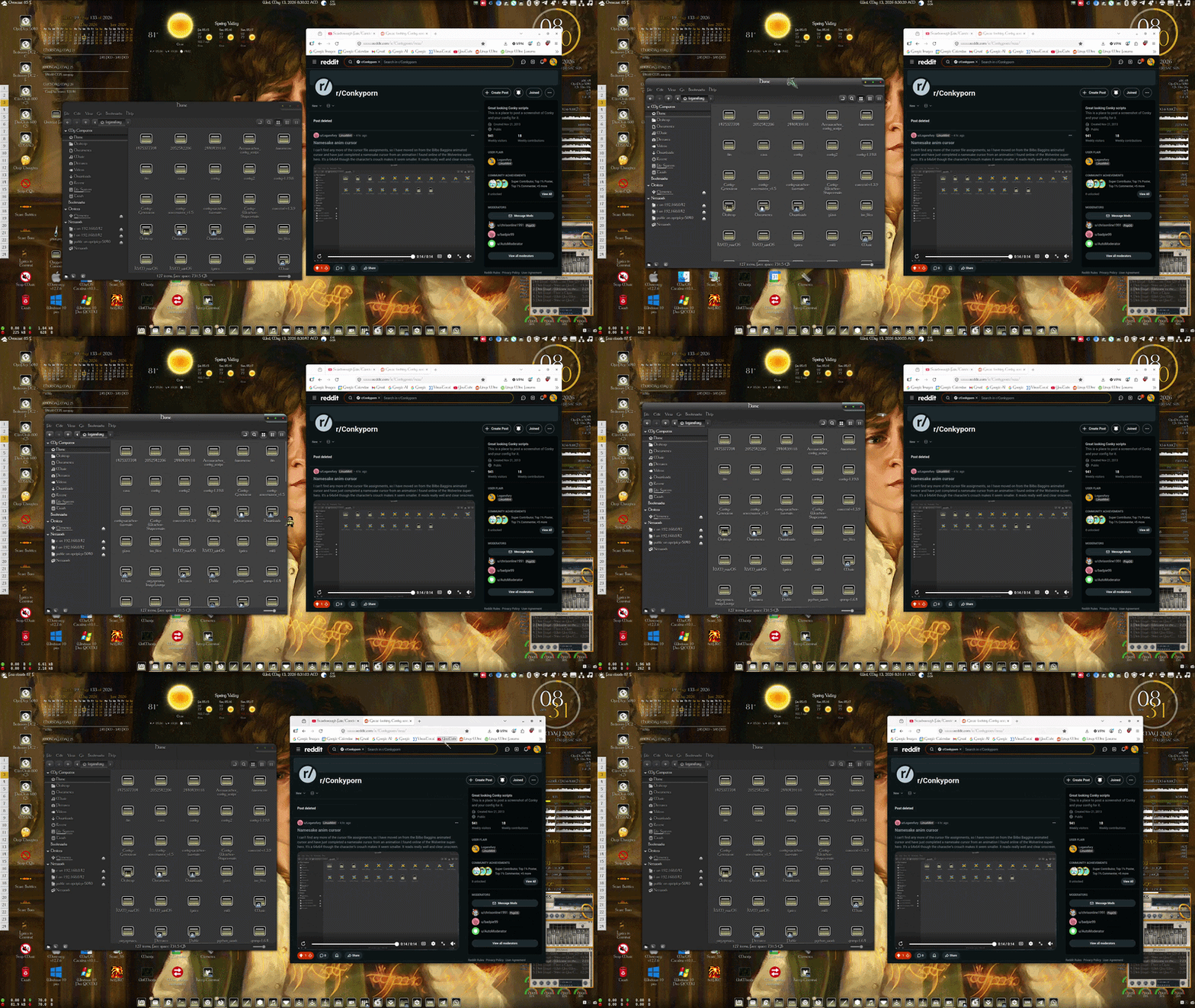
So I had mentioned on my last update post on the custom animated Bilbo Baggins cursor that I had the inspiration to make hovering over the titlebar of windows change the cursor image to a silver gauntlet with a pointing index finger, and then when grabbing and moving the window, having the cursor image change to a silver gauntlet fist.

I went thru the 146 individual X11 cursor files but none of them were assigned to titlebar hover. I figured this killed my idea, so I set the fleur cursor file to an image of the Elven Cloak Broach. This gave me 7 different cursor images changing as my mouse changed position over clickable elements. I then moved on to my wolverine animated cursor

Somehow, I just couldnt get that double gauntlet idea out of my head, so I went back to googleAI and expalined what I wanted. This opened up the rabbit-hole!!

Firefox, it turns out, can be set to read custom .css files. The bot had me enable this setting. I then made a 64x64 .png file of the pointing finger gauntlet, named hover.png, and a 64x64 fleur cursor file made from the closed fist gauntlet image, in preperation.

The next problem was that the titlebar was not selectable via .css scripting. The solution was to configure firefox and uncheck the titlebar setting, which made a collapsed, combo title & tab bar with minimize maximize and close buttons. THIS combo panel could be scripted to change the cursor image to a designated .png (hover.png in this case) when the mouse panned over any area without a tab or button!

Next step was the .css file. The bot gave me the code:

/* 1. Enable native window dragging AND your custom cursor on the main background wrappers */

#titlebar,

#TabsToolbar,

#TabsToolbar-customization-target {

-moz-window-dragging: drag !important;

cursor: url("hover.png"), auto !important;

}

/* 2. Lock down individual interactive child elements so they function as normal buttons */

.tabbrowser-tab,

.tabs-newtab-button,

.titlebar-button,

.titlebar-buttonbox-container {

-moz-window-dragging: no-drag !important;

cursor: default !important;

}

/* 3. Explicitly allow pointer event trickling down into the empty spaces */

.titlebar-spacer {

-moz-window-dragging: drag !important;

cursor: url("hover.png"), auto !important;

pointer-events: auto !important;

}

I now had exactly what I wanted, a pointing finger gauntlet when hovering over the firefox top bar, and a closed fist gauntlet when click/held and moved/dragged!!

This also gave me the freedom to use the Elven Cloak Broach cursor file elsewhere.

I ended the project with nine separate cursor images based on what elements the mouse is hovering over/interacting with:

Default: animated loop of walking Rankin/Bass style CGI Bilbo Baggins image

Panning across webpage: Sting image

Hovering over webpage clickable element: The One Ring

Hovering over text field: a red quill

Left & Right side window anchor points for resizing: The Elfstone

Top & Bottom window achor points for resizing: Elven Cloak Broach

Top_Left & Right/Bottom_Left & Right corner window anchor points for diagonal resizing: The Elendilmir

Hovering over firefox top bar: pointing index finger silver gauntlet

Dragging/Moving window: closed fist silver gauntlet

This was amazing, I actually had my hover and grab gauntlet images, but what about when I wasn't on workspace 3 and not using the animated Bilbo cursor with the gauntlet set to fleur?

Back to the bot and the solution was a smart launcher and firefox profiles.

All of the custom settings I duplicated on a newly created profile named Tolkien. All custom settings were then removed from default setting, reverting it to, well, default.

I then created a .desktop file set to dynamically change firefox icon as icon sets change, and pointing to a smart firefox launch script:

#!/bin/bash

# Get the current zero-indexed workspace number

CURRENT_WS=$(wmctrl -d | grep '*' | cut -d' ' -f1)

# Check if current workspace is 2 (the 3rd workspace)

if [ "$CURRENT_WS" -eq 2 ]; then

firefox -P Tolkien --no-remote &

else

firefox -P default-release &

fi

And that completed the necessary steps. The launcher script knows when I am on workspace 3 and launches the Tolkien profile firefox, and on all other workspaces, it launches default profile with the enabled title-bar and default .css scripting.

Is this bitchin or what????

I don't understand why the .mp4 isn't working for this post. Here is a link to the video as an animated .gif:
https://i.postimg.cc/4dMt9VMM/simplescreenrecorder-2026-05-13-08-30-32-ezgif-com-video-to-gif-converter.gif

u/Logansfury — 1 day ago

Namesake anim cursor

I can't find any more of the cursor file assignments, so I have moved on from the Bilbo Baggins animated cursor and have just completed a namesake cursor from an animation I found online of the Wolverine super-hero.

It's a 64x64 though the character's crouch makes it seem smaller. It reads really well and clear onscreen.

u/Logansfury — 1 day ago
▲ 7 r/Conkyporn+1 crossposts

I didn't really mean it when I said "final"...

I added another image to my animated Bilbo-combo custom cursor theme.

I now have seven separate images:

Default: animated loop of walking Rankin/Bass style CGI Bilbo Baggins image

Panning across webpage: Sting image

Hovering over webpage clickable element: The One Ring

Hovering over text field: a red quill

Top, bottom, and side window anchor points for resizing: The Elfstone

Top_Left & Right/Bottom_Left & Right corner window anchor points for diagonal resizing: The Elendilmir

Dragging/Moving window: Elven Cloak Broach

The newest addition, The Elven Cloak Broach was a pure ChatGPT image generation from a prompt, with no example image uploaded. It was rendered vertically, and I rotated it to 45 degrees while resizing, sharpening and preparing for cursor generation. It came out surprisingly sharp and recognizable despite its 48x48 pixel size. I had tried to work with a Phial of Galadriel first, but it was so small and slender it was hard to recognize. I went with the leaf broach that filled more of the canvas.

I had a great idea to use an open silver gauntlet hand for hovering over the drag tab and a closed fist silver gauntlet while dragging, but there is no cursor file assigned to the drag bar in X11 cursors. Damn shame I loved the idea. I abandoned it and stuck with the cloak broach when net research revealed that the default file is what shows over any unmapped area like the drag-bar.

I'm almost afraid to say that I am done.....

u/Logansfury — 1 day ago
▲ 9 r/Conkyporn+1 crossposts

Final cursor edits

I think I have done all that I can with my animated Bilbo-combo custom cursor theme.

I now have six separate images:

Default: animated loop of walking Rankin/Bass style CGI Bilbo Baggins image

Panning across webpage: Sting image

Hovering over webpage clickable element: The One Ring

Hovering over text field: a red quill

Top, bottom, and side window anchor points for resizing: The Elfstone

Top_Left & Right/Bottom_Left & Right corner window anchor points for diagonal resizing: The Elendilmir

The newest addition, The Elendilmir, started as an example image from the web, fed to ChatGPT to render into a complete circlet and gemstone against a transparent background. I love how it turned out and I think it's a worthy addition to the cursor images.

u/Logansfury — 1 day ago

More GUI tweaking

More attention to the Tolkien GUI.

I set the SuperNova - Gold icon set to compliment the gold in the conkys. The set was incomplete, shown below are the icons I created with BoxySVG to replace those missing from the set:

Custom SN-G style Apps Menu button

Custom Gigolo

Custom Conky Manager 2

Custom QMMP

Custom Music Brainz Picard

Custom Shutter

New conky on this screen: Koentje asked me to liason to ChatGPT and grab a ticker .lua script. I have encorporated it just above my panel, scrolling a font of the elven script inscribed in The One Ring.

u/Logansfury — 2 days ago

More cursor editing

As usual, I returned to what I thought was a done project.

I experimented with some different arrowheads for the drag zones that resize windows from the top, bottom, sides, and corners, but I just wasn't happy with the look.

I got the idea to use the Elfstone broach, given from Galadriel to Aragron on behalf of Arwen. I found the largest web image I could find of the Tim Hildebrandt painting "The Gift" and gave that to googleAI, which generated the broach but could not remove shadows behind it or give me a transparent background, so I gave the shadowed image to ChatGPT and in one pass it removed all shadows and placed the broach on a transparent background. I think it came out perfect! It's files have been assigned to my static Bilbo2 cursor, adding to the existing Bilbo with pipe, Sting, The Ring, and a red quill.

u/Logansfury — 2 days ago
▲ 14 r/Conkyporn+1 crossposts

More GUI control

More GUI control!

I have bash scripts that automate the skinning and positioning of my audacious player for different workspace GUI color schemes, and some months or a year ago I tried to get a bot script to automate changing/setting the playlist font to match the fonts I assigned to my conkys and desktop elements. It never worked but today I put the script to another bot and asked why this one didnt work when the reskinner did, and the bot spat out a working edit. I am really happy. Here is a screenshot of my Tolkien GUI workspace. The Tolkien.ttf font is assigned to the python button bar, my gis weather and google calendar desklets, all system fonts except for a mono font for terminal, all conkys, and now the audacious playlist window text.

u/Logansfury — 3 days ago
▲ 5 r/Conkyporn+1 crossposts

Bilbo Baggins custom cursor final edition

I have completed work on my custom windows static Bilbo Baggins cursor conversion to X11.

I was on my system and had the beautiful Night Diamond (Red) cursor active, when I switched to the Bilbo cursor and then noted that the cursor was changing into the Night Diamond image when panning across webpages and webpage buttons.

I opend my Bilbo/cursors directory and noted the total of 70 cursors. Then I opened Night Diamond (Red)/cursors and saw 144 total items.

So

I got an online image of Sting (Bilbo's famous short sword) rotated prepped and resized it in GIMP, then turned it into a cursor file with xcursorgen.

I then hit ChatGPT and had it generate a script to compare the two cursor folders and make a text document list of what Night Diamond had that Bilbo did not. I then fed that text document list back to ChatGPT and asked it to make a script that would generate one cursor file for each item on the list.

Seconds later I had my dir full of sting.png image cursor files. I moved these into the Bilbo/cursors directory and refreshed cursor and my sting image files became active. So I now have 4 images for the cursor to use, Bilbo with his pipe, The Ring, a red quill, and Sting.

Very happy with the results and Im very happy that I loaded that Night Diamond cursor that revealed all the files I was missing in my cursor.

u/Logansfury — 5 days ago

My custom Bilbo Baggins static cursor imported/converted for Linux

Here is my static custom Bilbo Baggins window cursor, coverted for X11. It is Bilbo from the 1977 television special The Hobbit by Rankin/Bass.

It is very basic, just the single image applied to all mouse conditions. I may go back into it and customize some of the alternate images like hand, hand1 and hand2 etc.

u/Logansfury — 9 days ago

I have been working with the Google AI and ChatGPT bots and have successfully edited/customized my second plasmoid widget.

Meet "fuzzier clock"!

I installed the Kubuntu expansion for clock options but the default Fuzzy Clock had a font set at HUGE size and it just looked ridiculous to my eye in my panel.

Working the bots I got succussful edits to the .qml files to put in a font designator to put in the font of my choice, and also reduced the font size to 12 from 24.

With the font matching my conky and system fonts and the size reduced to not overwhelm the panel I have two excellent edits that I am thrilled with!

u/Logansfury — 10 days ago

Hello,

I am working with the app conky and a Python script. I need the script to launch a suite of conkys but I cannot get it to work. I have tried the workaround of creating a working bash script but when I try to launch the bash script in the Python it fails. Have been using variations of

subprocess.Popen(["/home/logansfury/scripts/mizar.sh"])

and trying the conky directly:

subprocess.Popen([conky -c "/home/logansfury/.conky/Mizar/Mizar.conf"])

Google AI has given me different code blocks to try like:

def launch_conky():

# 1. Force kill any existing conky processes

subprocess.run(["pkill", "-9", "-x", "conky"])

# 2. Inherit the full user environment (needed for Wayland)

env = os.environ.copy()

try:

# If mizar.sh is a STARTUP SCRIPT:

subprocess.Popen(["bash", "/home/logansfury/scripts/mizar.sh"], env=env, start_new_session=True)

# OR: If mizar.sh is actually the CONFIG FILE:

# subprocess.Popen(["conky", "-p", "5", "-c", "/home/logansfury/scripts/mizar.sh"],

# env=env, start_new_session=True)

except Exception as e:

with open("/tmp/conky_launch_error.log", "a") as f:

f.write(f"Error: {e}\n")

Nothing is working. Can anyone that uses conky on Kubuntu help please?

reddit.com
u/Logansfury — 13 days ago